1. Basic Operations
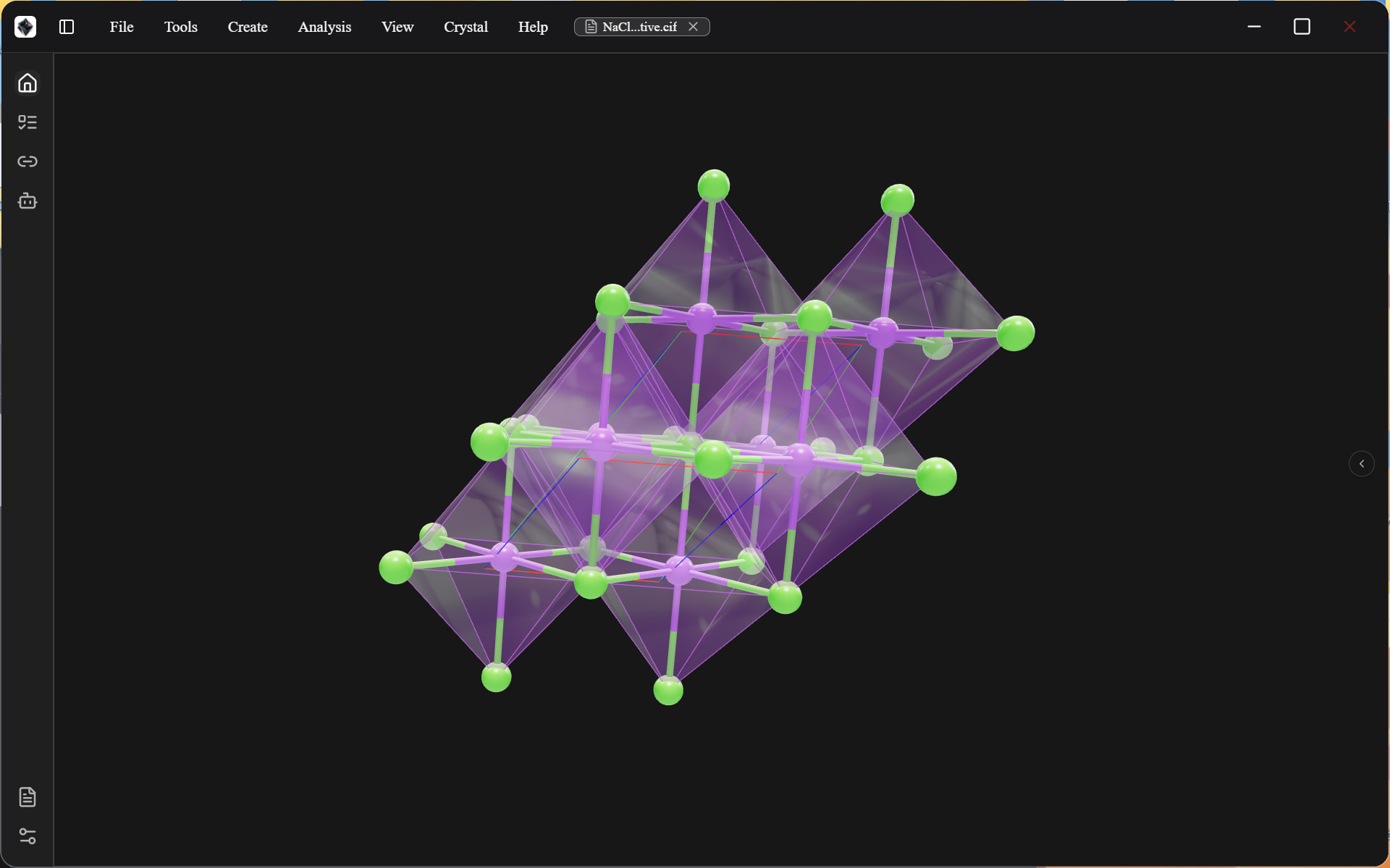
DeepCurve employs a design that is as streamlined as possible. You can rotate the molecule using the left mouse button and move it using the right mouse button; these actions do not alter the molecule’s coordinates. To modify the coordinates, use Ctrl + left/right mouse button.
You can click an atom to highlight it, placing it in a selected state. If you double-click an unselected atom, both that atom and the molecular fragment to which it belongs will be highlighted.